
TL;DR
Email is still a universal medium, and everyone uses it. Emails are easy to use, but secure they are NOT. You have to choose between security and ease, not both!
Enter Google with Gmail. People got excited about its so-called Confidential Mode, an easy way to make email more private. It lets you add an “expiration date” to emails, and you can revoke access at any time. Once that date arrives, the recipient can no longer view the email. Messages marked confidential can’t be copied, forwarded, printed, or downloaded.
Sounds perfect, right? Not so fast. There are a lot of “gotchas” in Confidential Mode that you need to know about, and a variety of sources have written scathing reviews of the misleading nature of the feature.
Google’s Confidential Mode for Gmail
Everyone was excited when Google announced Gmail Confidential Mode. The premise was that healthcare providers could reach a large universe of Gmail users without forcing them onto any new tools or platforms. How accurate is that promise? We decided to dissect the functionality and how it relates to healthcare’s major pain point: staying HIPAA compliant.
When Google announced Gmail confidential mode, at first glance it looked like a great feature from the ubiquitous email provider and certainly a game changer. Finally, email could be both secure and easy. Or could it?
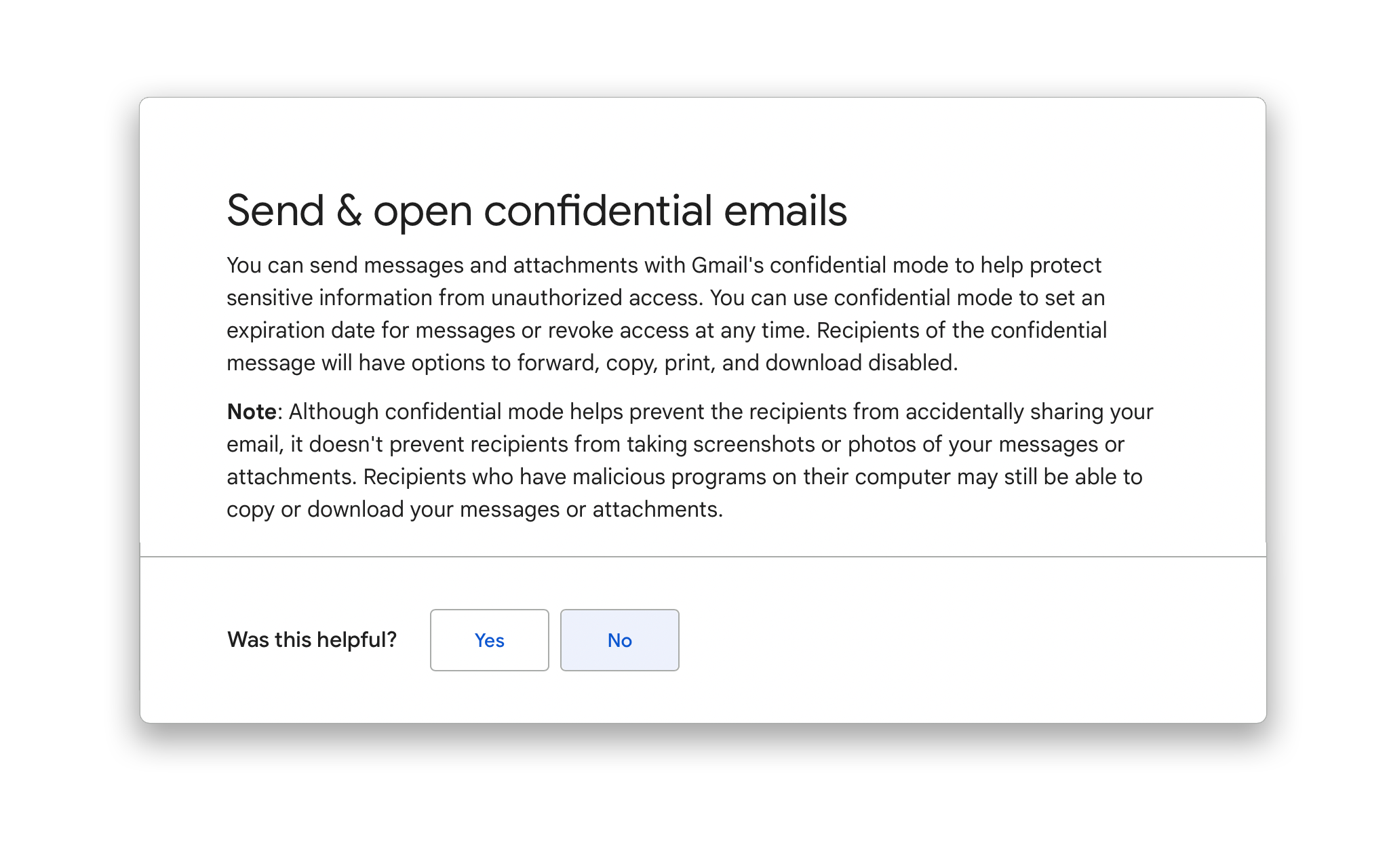
Gmail confidential mode features
In a nutshell:
- Confidential mode disables most ways to share information accidentally, like copy, print, download and share.
- The sender or administrator can set a message expiration date, so the message is automatically deleted.
- The sender can revoke the recipient’s access to the mail at any time.
- A verification system can be set up where a code is sent by text to access the email.
- Messages in this mode cannot be scheduled, so the sender remains in control of always sending messages.
- Gmail processes the mail by removing the message body and all attachments and creating a link to the content. If the recipient also uses Gmail, they see the whole message as well as the link. If they use a third-party email service, they see only the link and must take further steps to access the message.
But does this mean it’s HIPAA compliant?
- Google retains full access to the email even after the deletion timer is set.
- The verification system lets Google link the recipient’s phone number to their email address.
- The data is not end-to-end encrypted.
- One Google Workspace Admin Help article notes that confidential mode does not stop a user from taking screenshots or photos of the message and attachments. To be fair, this could be a problem in any system, so we don’t hold it against the implementation here.
- Google’s HIPAA implementation guide says that “customers are responsible for determining if they are a business associate (and whether a HIPAA Business Associate Agreement (BAA) with Google is required) and for ensuring that they use Google services in compliance with HIPAA.” The guide is 10 pages long and can be read here. If Google is HIPAA compliant, why does it need 10 pages of instructions for users to become compliant?
Clearly, the points above give little comfort that this is a HIPAA-compliant service. In fact, as many users have pointed out, it is not even an email but a link to information saved on Google’s servers. You would expect the data to be stored encrypted, even though it can be password-protected. Google has given no assurance that the emails are deleted from the server after they expire or are revoked.
When both sender and recipient use Gmail, the email appears normal. Recipients who do not use the Gmail app get a link for viewing the email in a browser. More comprehensive services like the Buzz platform provide this in a far more consistent way.
What About Other Email Providers?
None of the other large-scale email providers, like Apple with its iCloud mail or storage services, mention HIPAA compliance in their terms of service or privacy policies.
AOL (remember them?) advertises strong encryption for data in storage and in transit (see What does end-to-end encryption mean, and why should you care?). But the founder and CEO of Paubox, another email provider, states that AOL does not sign a BAA between a covered entity and a business associate, and a BAA is a requirement for HIPAA compliance. Fantastic security features, but no BAA is a deal breaker. These are all free services. What about paid email platforms, and how do they fare on HIPAA?
HIPAA-Compliant Email Providers
There are a few HIPAA-compliant mail providers, like Paubox, ProtonMail, Hushmail and MailHippo, and none of them is free. Check each provider’s website for current features and pricing.
Paubox offers HIPAA compliance along with the HITRUST security standard.
ProtonMail seemed to have the most features suited to healthcare professionals, with end-to-end and zero-access encryption and no selling of ads or user data. ProtonMail did not use cloud hosting, running its own server hardware and network in two secure locations, and its business package included a signed BAA.
Hushmail for Healthcare is HIPAA compliant, though it seemed limited in options, such as the number of encrypted email accounts and web forms. MailHippo’s plans were limited by the number of messages, storage, and file size.
Conclusion
As for Google’s Confidential Mode for HIPAA? Close, but no cigar.
Broadly speaking, considering only an email platform for HIPAA is not an optimal approach. It is debatable whether email should be the solution for organizations that work across the care continuum and need to communicate and collaborate with care providers, consultants, specialists, therapists and patients. Such organizations should take time to confirm that the communication methods they use not only comply with HIPAA but also give their staff an effective multichannel platform that covers every part of the daily workflow. It is best to look for specialized platforms that enable collaboration in a unified way, with phone, video, SMS, email, fax and almost every other channel in use today.
Buzz from Skyscape is one such communication and collaboration platform. It is HIPAA compliant and encrypted in transit and at rest, and care providers have preferred it over the other options offered to them (see how home health teams use it). Book a demo to see features that make communication across the healthcare system easy, efficient, and reliable. For today’s view of email and HIPAA, read Is email HIPAA compliant?
References
Google: Send and open confidential emails (for end users)
Google: Protect Gmail messages with confidential mode (for administrators)
Computerworld: Watch out for Gmail’s new Confidential Mode. It’s easy and useful, but Google’s new ‘secure email’ is neither secure nor email.
BetaNews: ProtonMail criticizes Gmail’s confidential mode as neither secure nor private, calling it “little more than a marketing strategy.”